A new key mapping tutorial is now available for LaiCai Screen Mirroring.
This walkthrough shows how to turn a keyboard key into a tap at a fixed position on your Android phone. In the example, pressing I opens the game Inventory.
You will learn how to:
- create or select a mapping Profile
- choose Keyboard as the input source
- select Touch as the mapping behavior
- bind the I key while keeping the remaining options at their defaults
- assign the Demo Profile to the phone
- position the marker with Show Mapping Layer
- hide the mapping layer before testing
- confirm the trigger with Show Feedback and the red circle
Watch the tutorial:
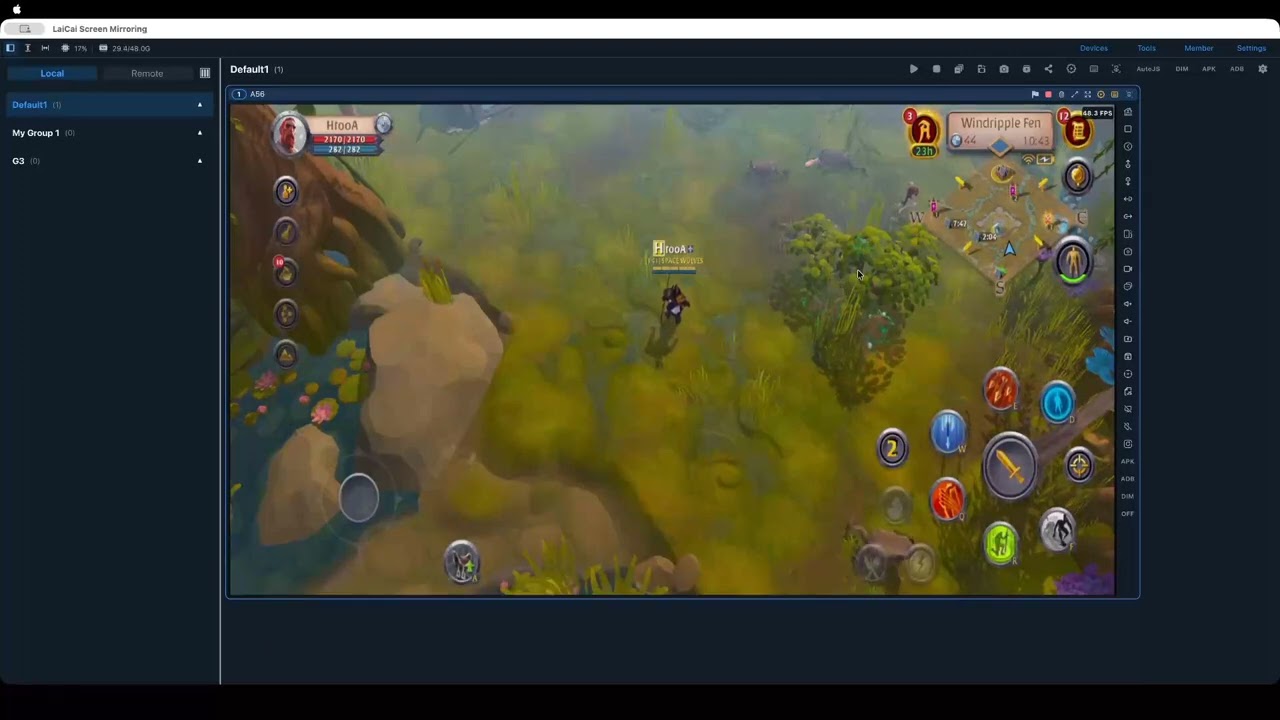
Read the step-by-step guide:
Questions and Profile sharing are welcome in the Input Mapping & Macros category: