A new key mapping tutorial is now available for LaiCai Screen Mirroring.
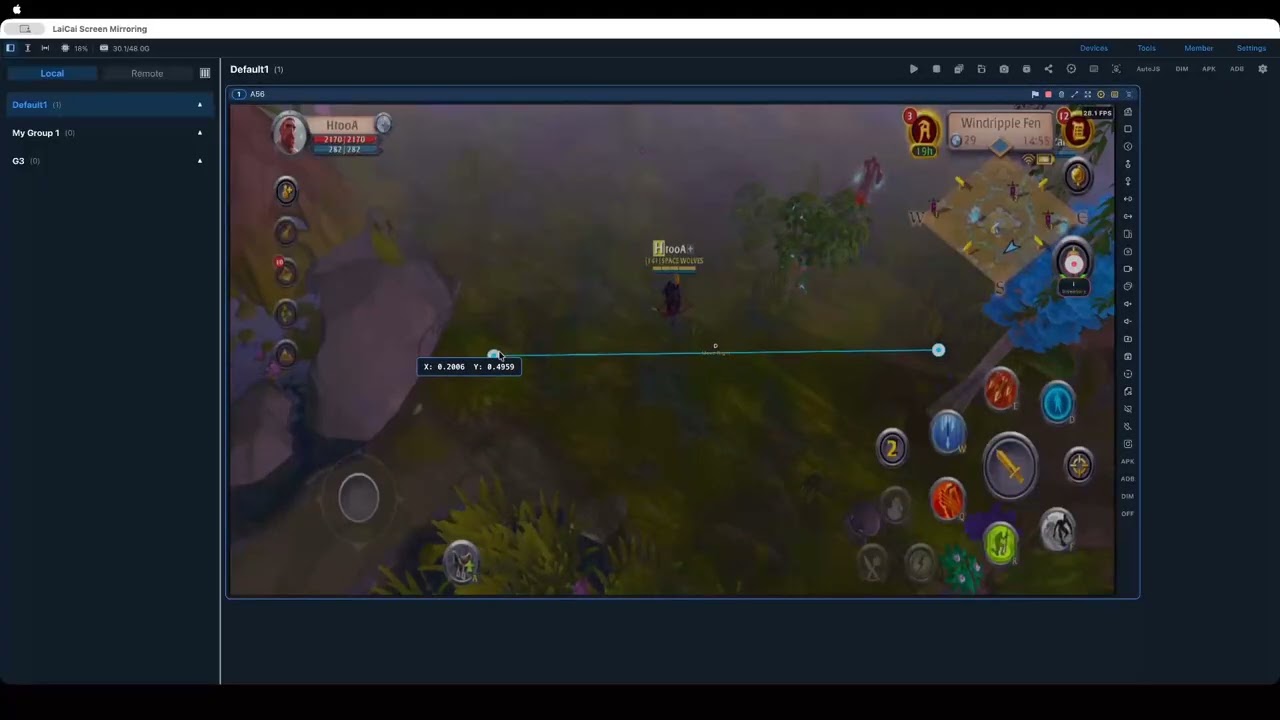
This walkthrough shows how to turn a keyboard key into a swipe gesture on your Android phone. The example uses the D key and explains when to choose Swipe Once or Hold Drag.
You will learn how to:
- create a Swipe mapping and bind a keyboard key
- use Swipe Once for a single gesture that releases at the endpoint
- use Hold Drag to keep the gesture pressed until you release the key
- enable Show Mapping Layer and place the start and end points
- hide the mapping layer before testing
- enable Show Feedback to confirm the gesture on screen
- choose Move Stick instead when you need to control a real virtual joystick
Watch the tutorial:
Read the step-by-step guide:
Questions and Profile sharing are welcome in this category.