Mouse-Directed Cast lets you bind a directional skill to a keyboard key and aim it with the mouse.
This walkthrough shows how to:
- choose Mouse-Directed Cast in Input Mapping;
- use Show Mapping Layer and the filter to focus on one mapping;
- place the skill-button hold area and aiming origin;
- match the mapping radius to the skill’s draggable range;
- calibrate individual directions when the mouse pointer and actual cast direction do not line up.
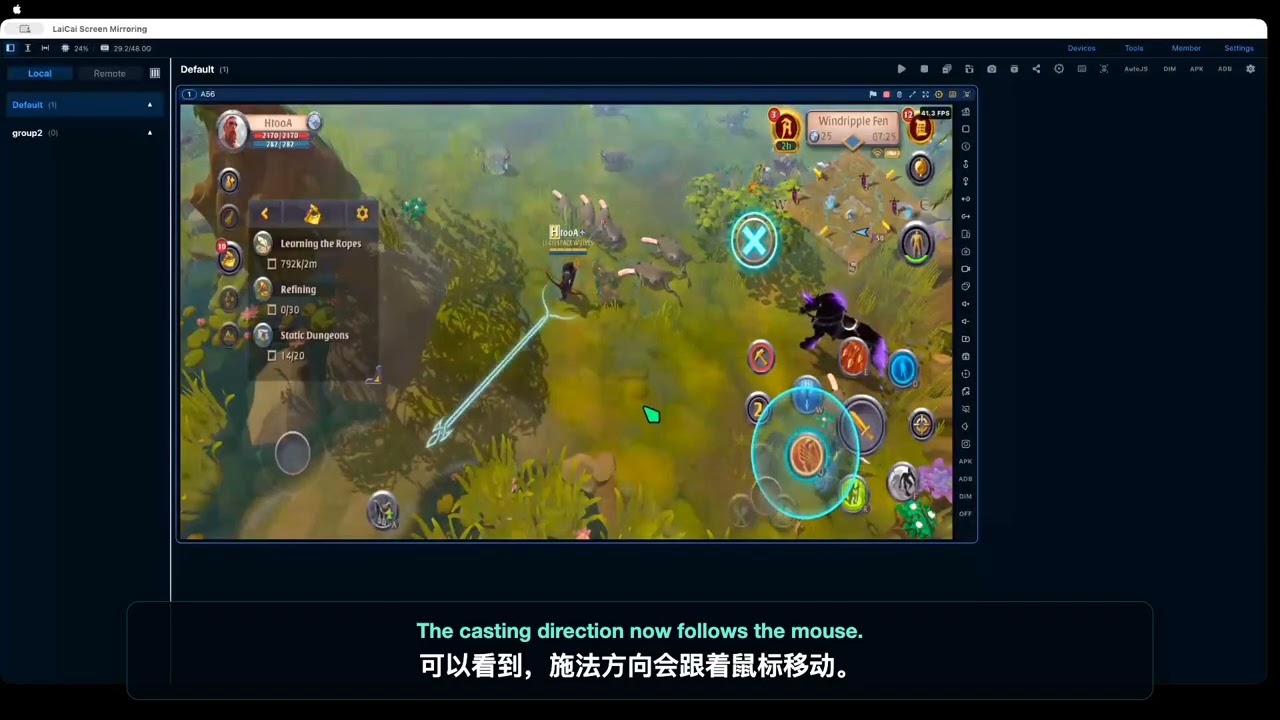
Read the step-by-step guide:
The example uses key 1 and demonstrates calibration for the upper, upper-right, and right directions. Use the same process for any other directions you need.