We’ve added a new Game Assistant guide for LaiCai Screen Mirroring.
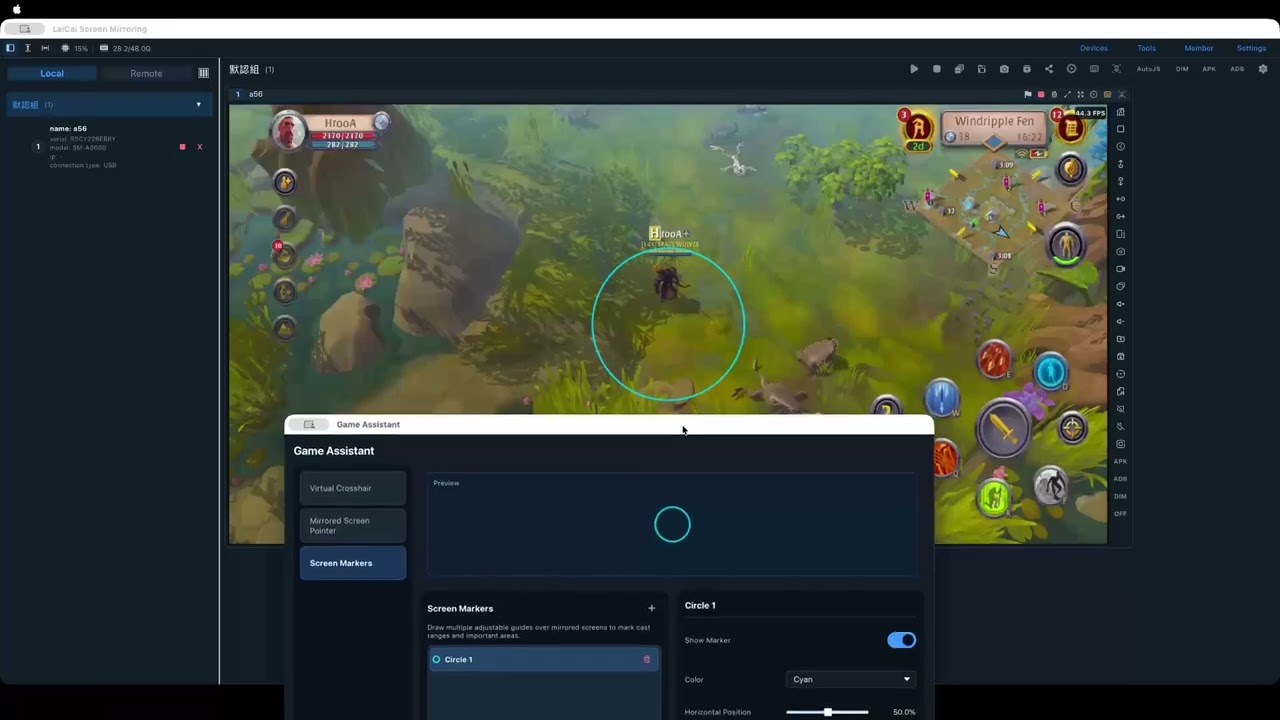
Game Assistant gives you three visual tools on controllable mirrored game screens:
- Virtual Crosshair — choose a dot, cross, ring, or another style, then adjust its color, size, line width, opacity, and position.
- Mirrored Screen Pointer — use a clearer custom pointer only while the cursor is over the mirrored screen.
- Screen Markers — add multiple circles or rectangles to mark skill ranges and other important areas.
Open it from Tools > Game Assistant.
These overlays are visual aids only. They do not send touch events to your Android phone, replace key mapping, or block mouse and keyboard input. Please follow each game’s rules when using visual aids.
Watch the video:
Read the full guide: