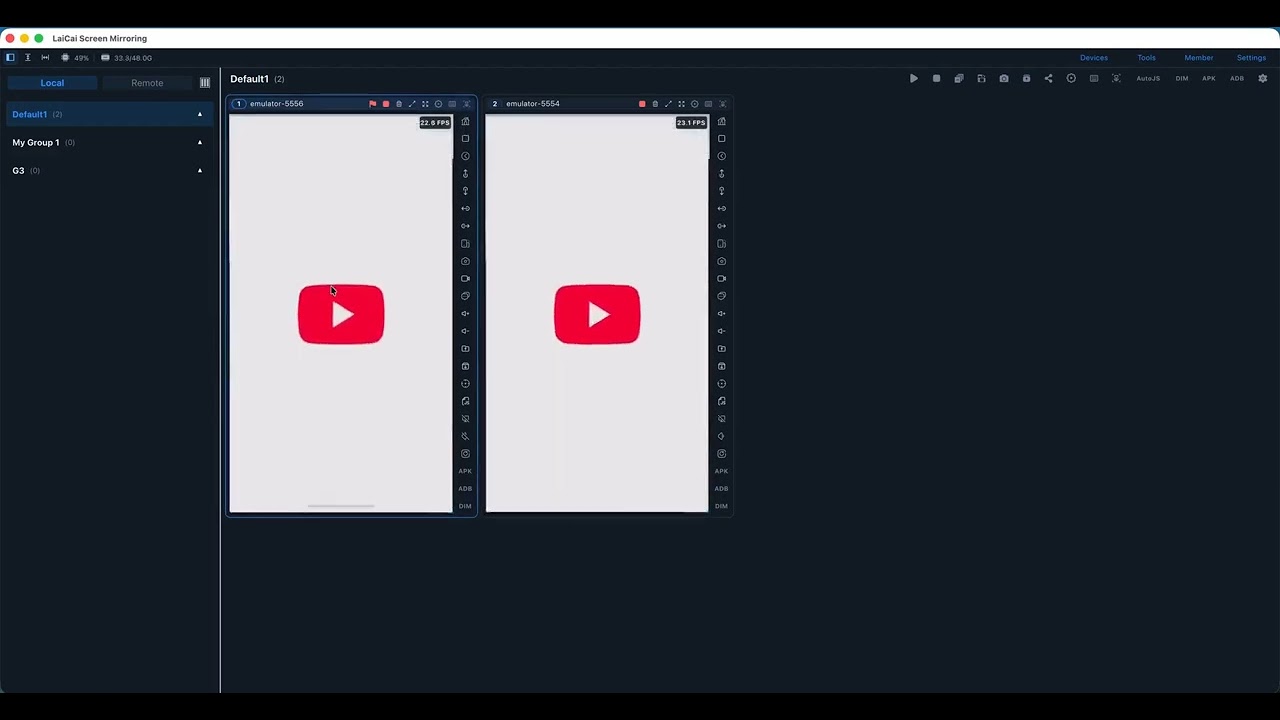
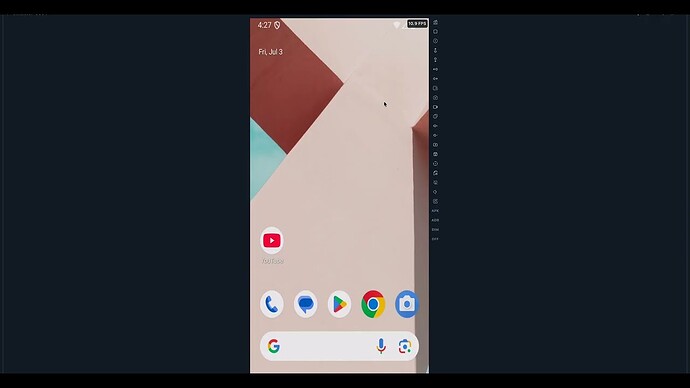
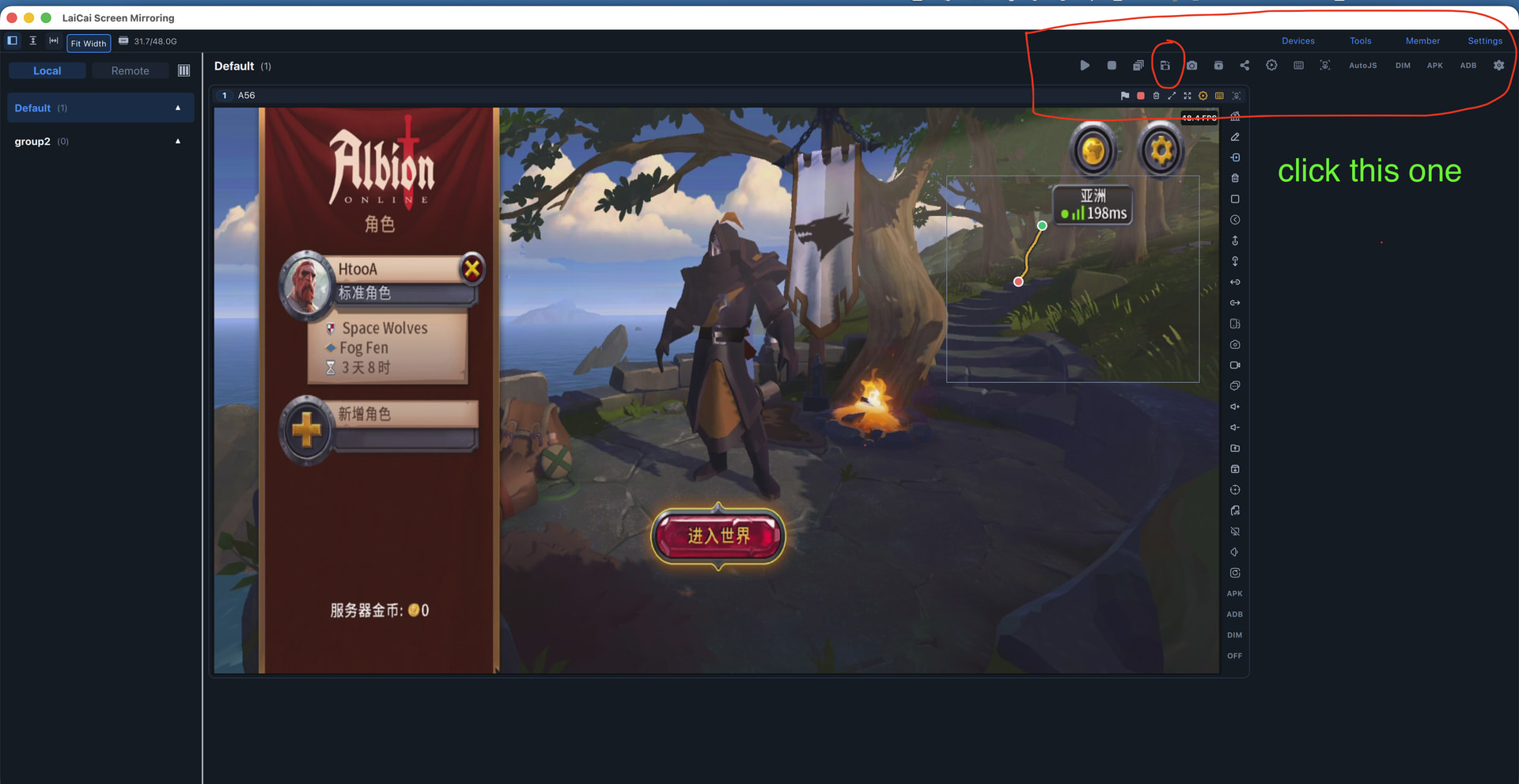
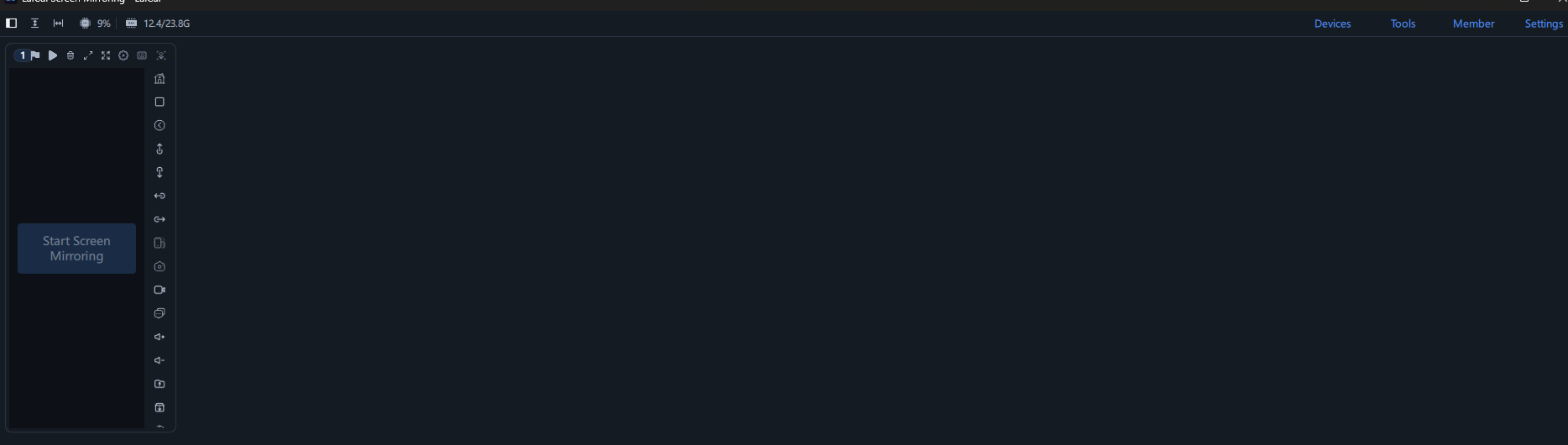
Its appeared right now, i dont know why i didnt see those buttons, everything works good right now, thanks for your answer.
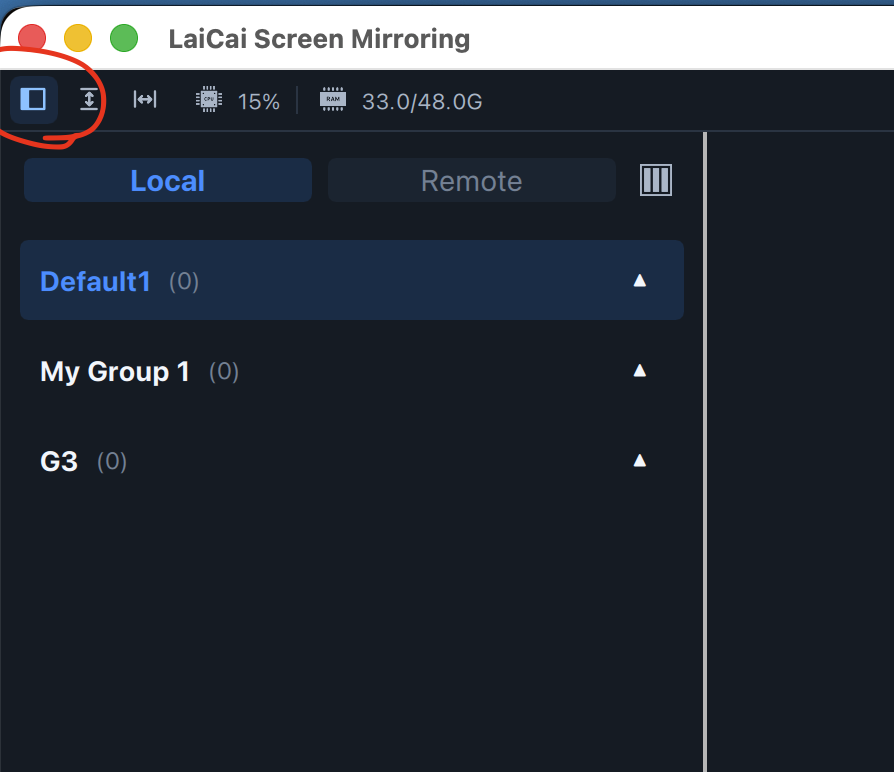
you are welcome. Bro !
I got also problem with pubg input mapping , it just keep my cursor blinking and i cant even exit full screen bc it holds my cursos at the centre. Can u help me?
- release system mouse
watch this
you need to bind a release button for you system mouse pointer.
if your keymapping download from LaiCai community ..
ESC Key is the release button.
- In full-screen mode, there is an icon in the upper right corner that can be used to exit full-screen mode.
Thanks for help, also some of those buttons doesnt work ( shooting , crouching and some other) how can i fix it?
Also move stick just disappeared and i cant move
Bro
Please watch these videos.
They show you how to drag and drop mapping items.
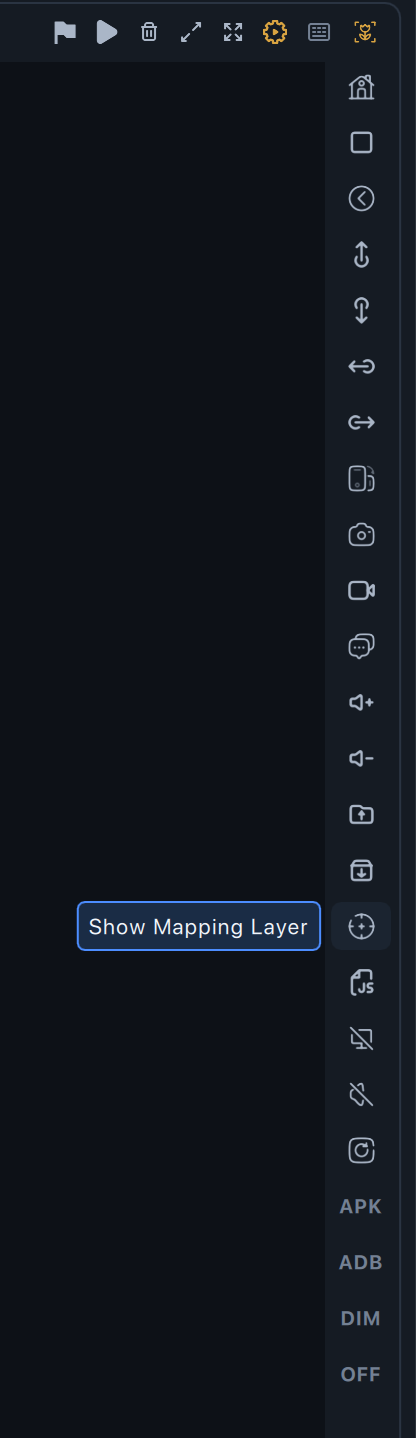
There’s a button mapping overlay you can find it on the side actions bar at the right of screen view (target icon);
you need to open it. Then, drag the corresponding mapping to your game button positions (such as jump, shoot).
If you’re using the basic mapping configuration file provided in the forum, those button positions are my configuration.
You’ll need to adjust yours.
It is very easy-to-use.
Turn of the mapping overlay after you finished config.
So move stick doesnt work, i cant move, W,A,S,D doesnt work
so i was playing the battle in PUBG and the move stick Disappeared and i cant move anymore. Please fix input mapping
did you selected profile for your device ?
please turn on key mapping overlay and profile you selected .
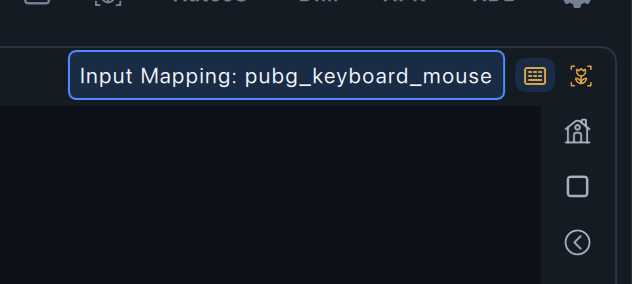
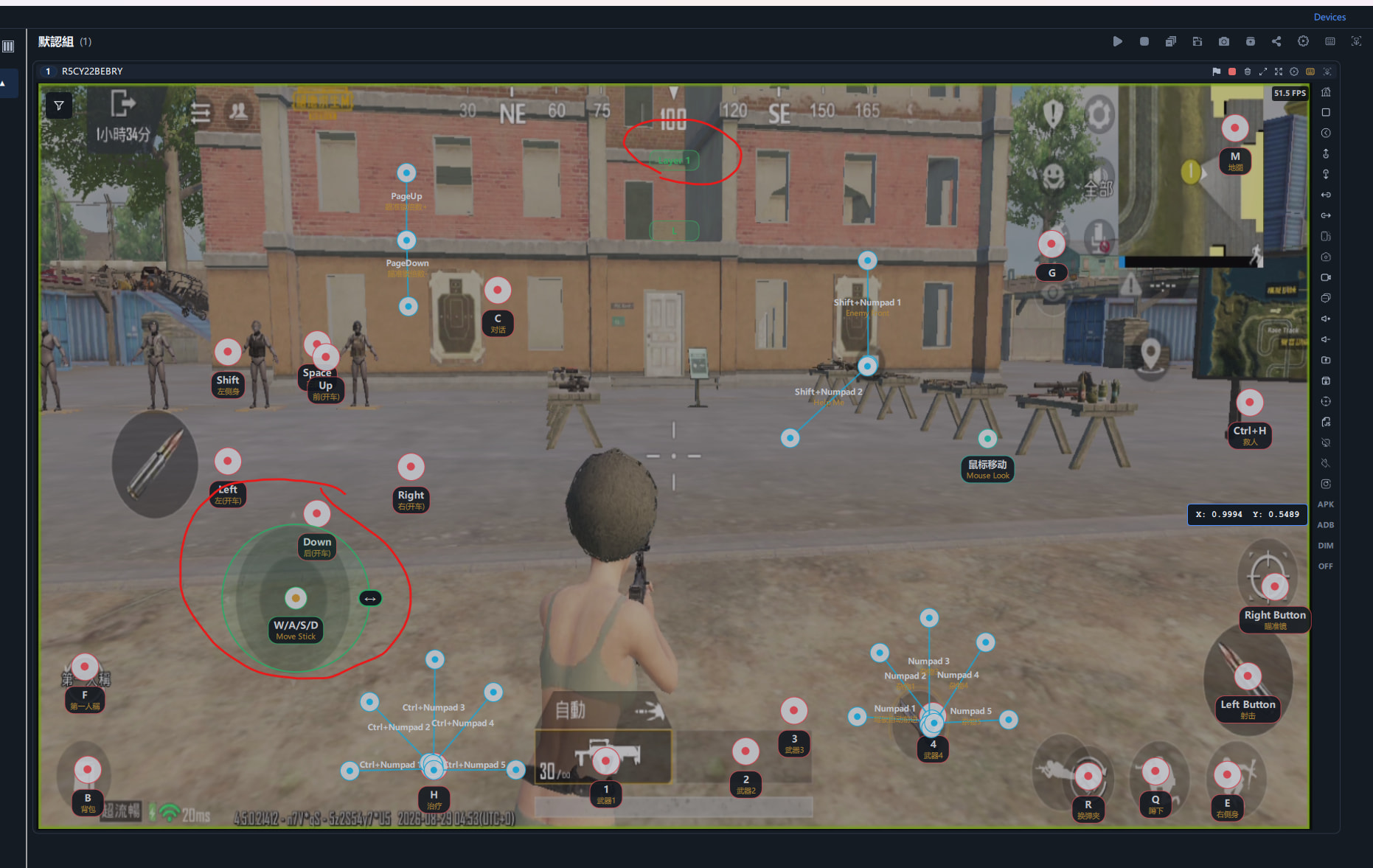
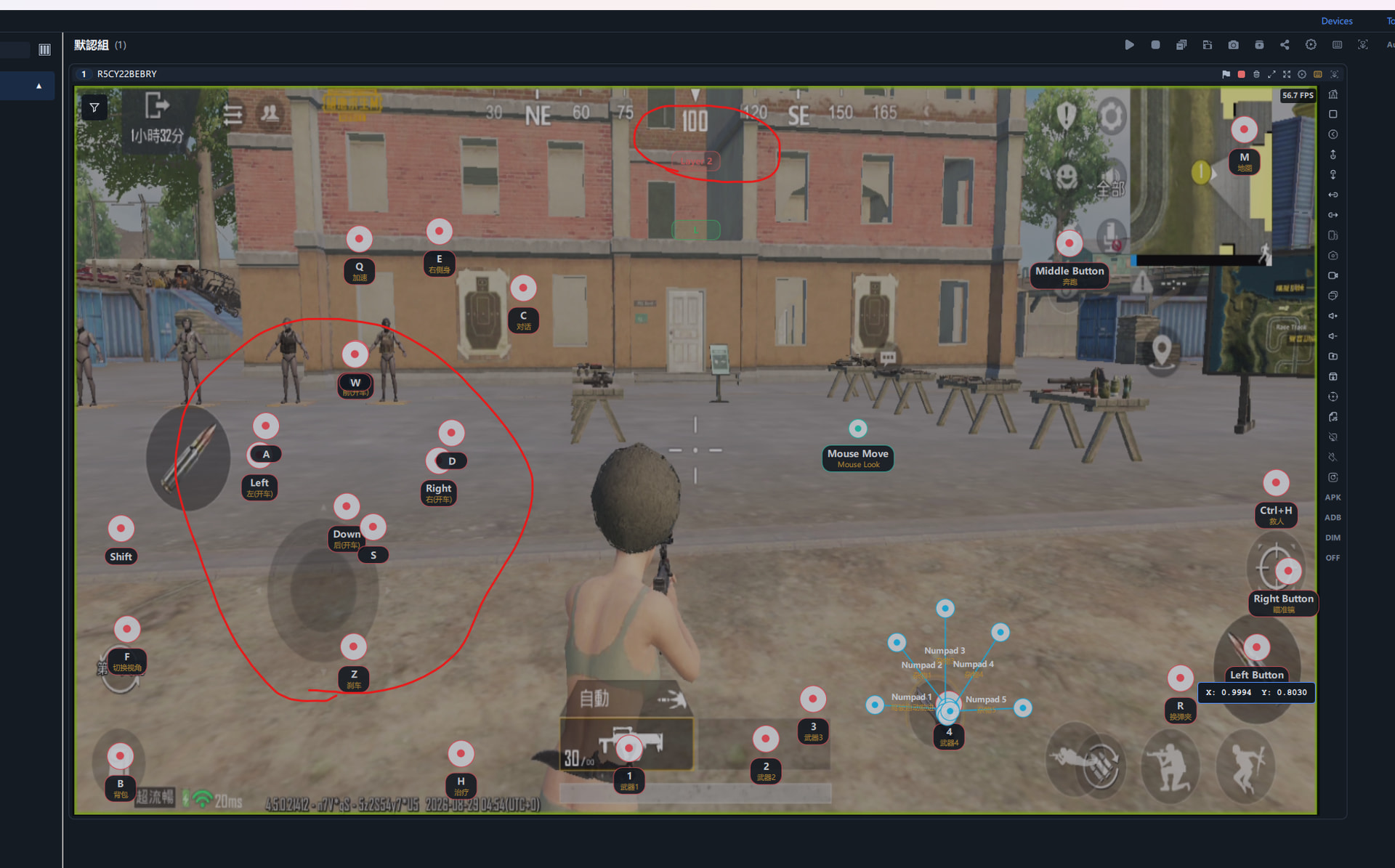
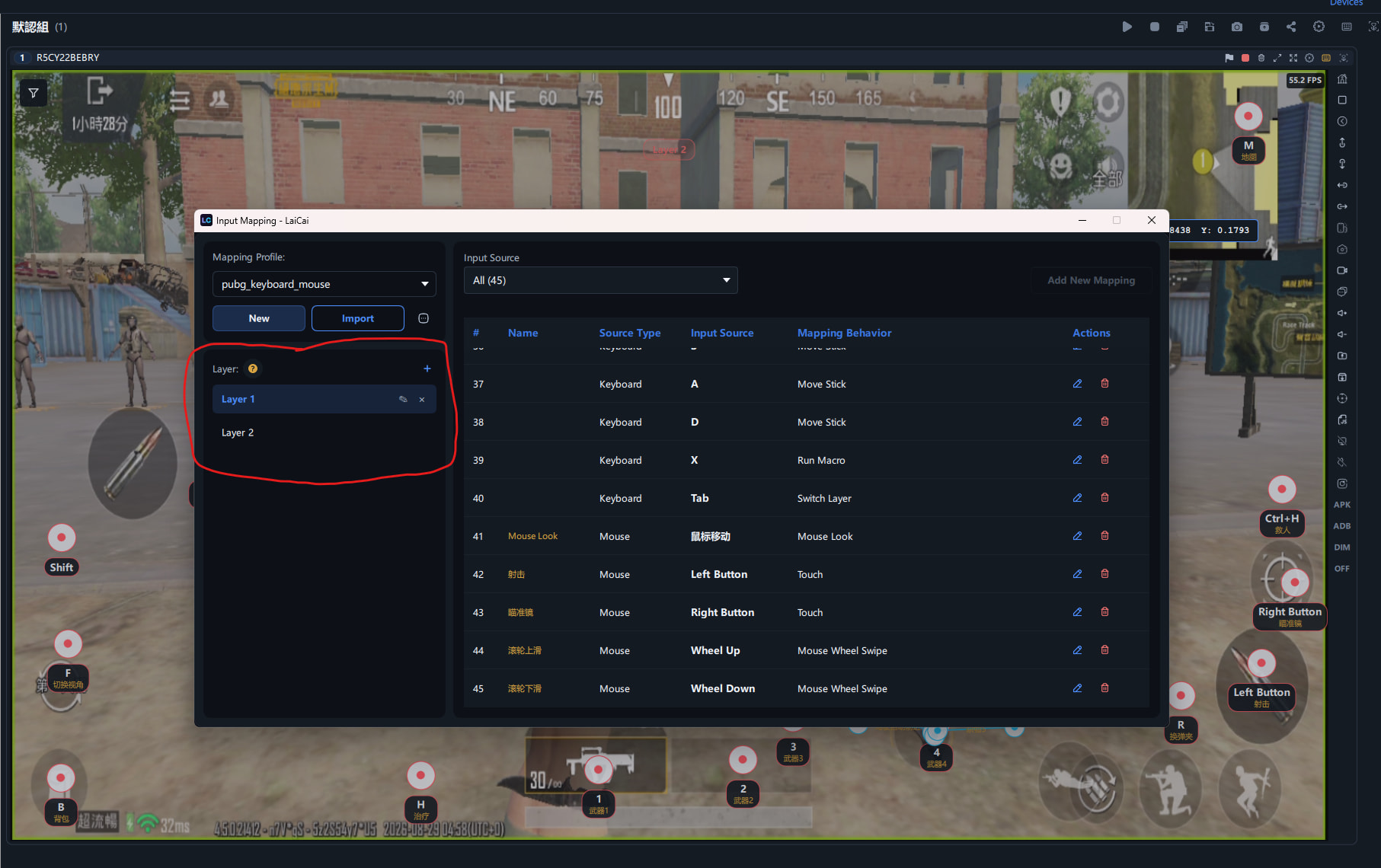
Did you accidentally switch to layer 2?
Tab key is mapped to switch mapping layers.
You can have up to four layers. For example, you can use layer 1 for general use and layer 2 for driving.
The basic profile provided in the discussion has two layers. I used the second layer for driving.
This is why you can’t use the AWSD for walking. Because the AWSD is used for the driving buttons.
please watch this video