A device can be linked to only one account at a time.
If you want to move the device to a different account, you can rebind it from the account that currently owns the device.
Rebind the device yourself
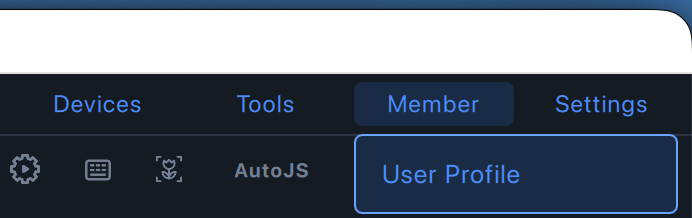
- In LaiCai Screen Mirroring, open Member, then select User Profile.
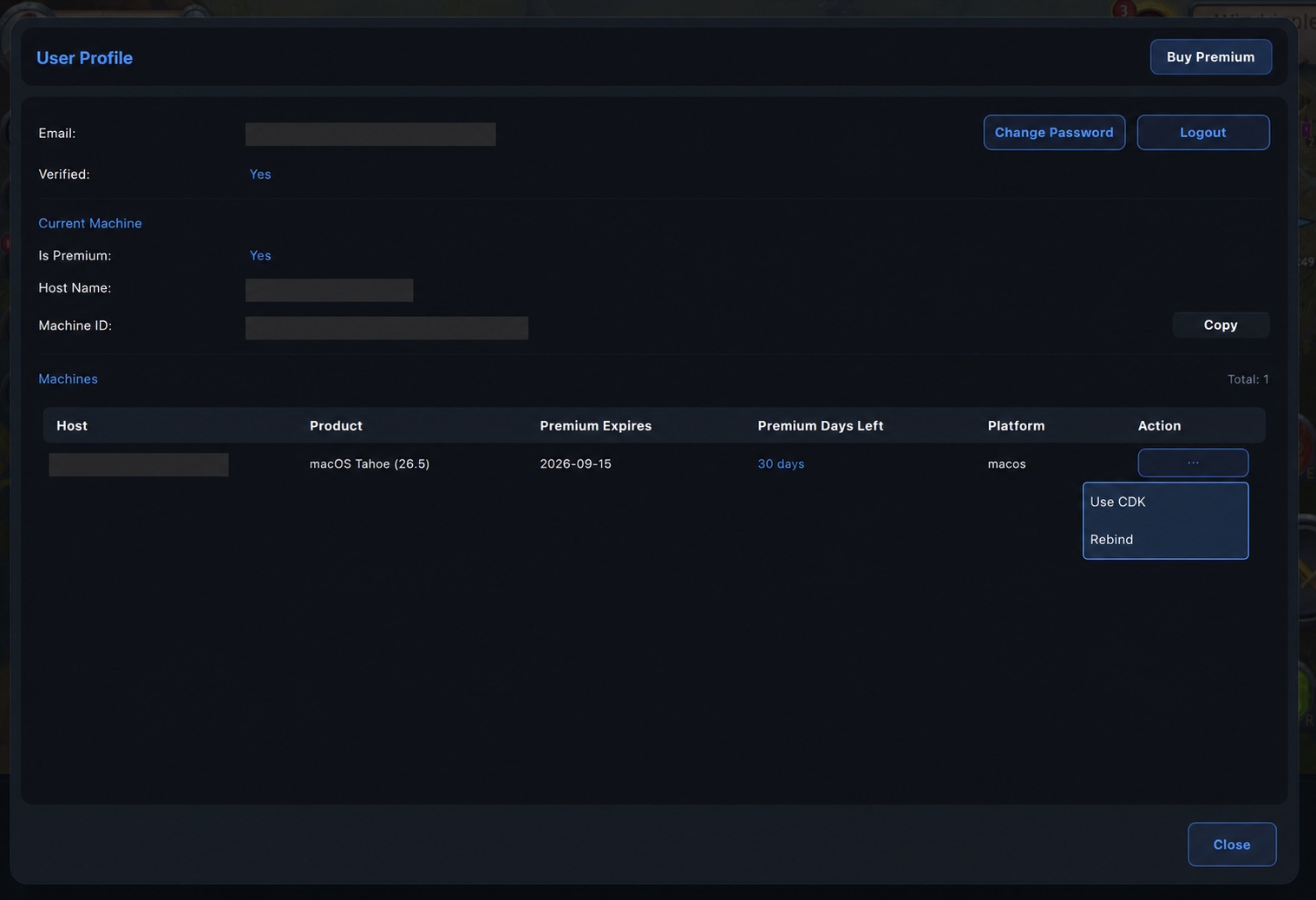
- In the Machines section, find the device you want to move. Click the … button under Action, then select Rebind.
- Enter the email address of the new account and click Confirm.
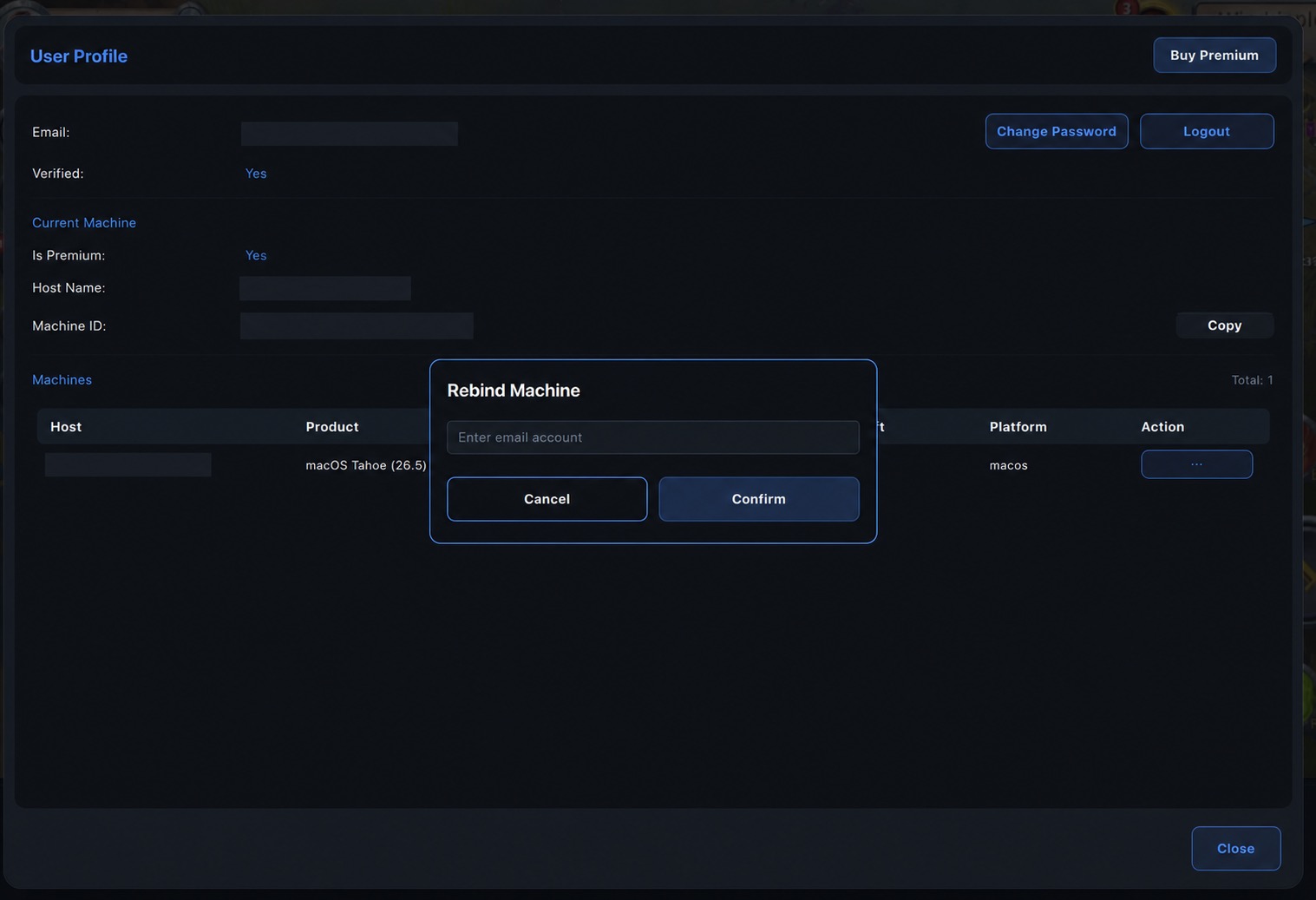
Please check the email address carefully before confirming.
If you no longer remember the original account
If you cannot sign in to the account that currently owns the device, contact the LaiCai support team for help.
To verify the device and help with the rebind, support will need your Machine ID.
How to find your Machine ID
- Open Settings, then select Version Info.
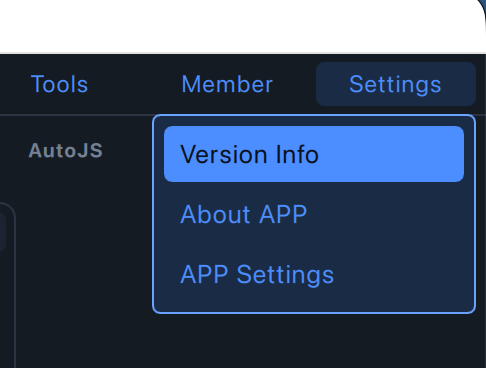
- Find Machine ID in the Version Info window and click Copy.
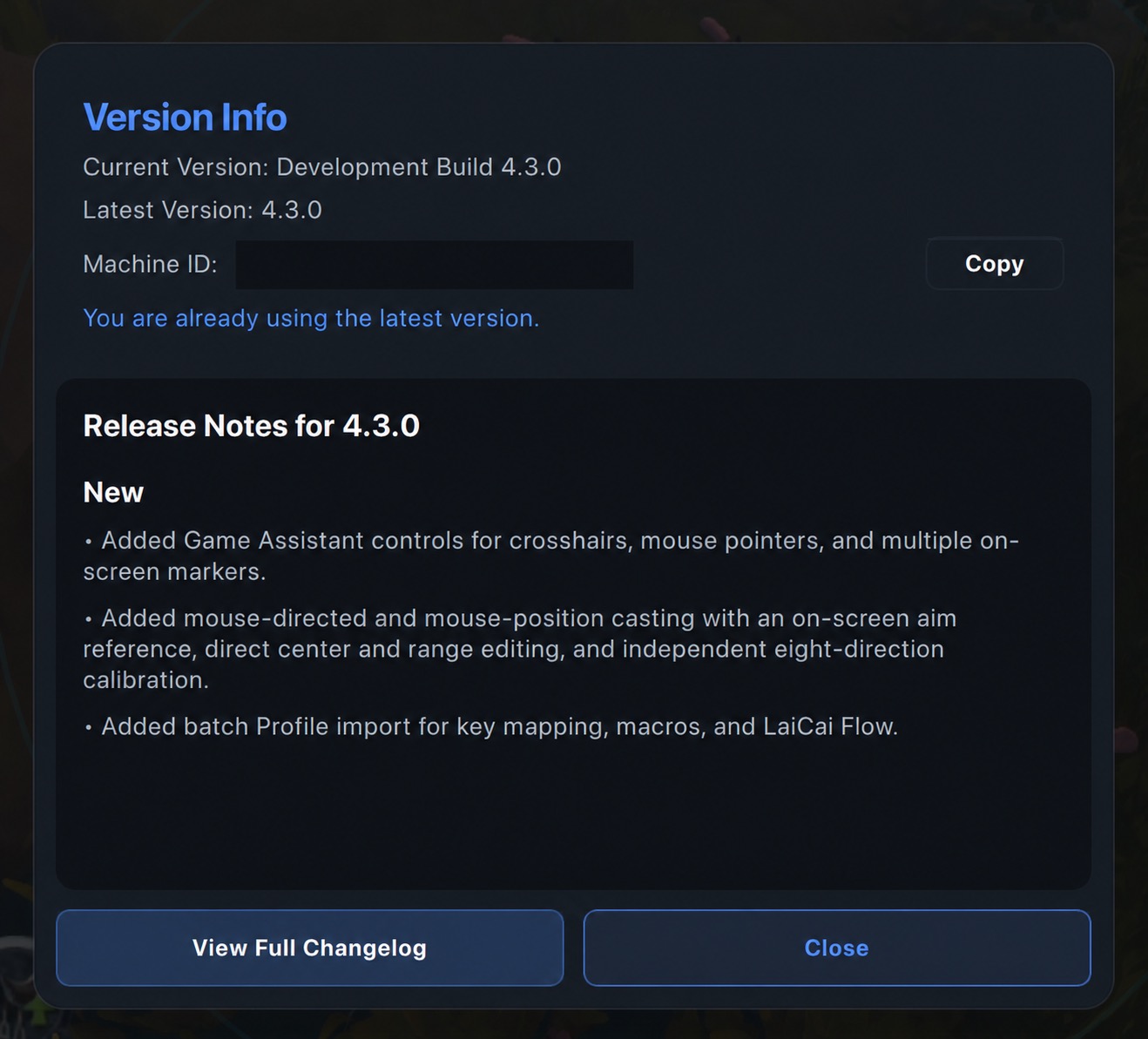
Send the copied Machine ID directly to the LaiCai support team. For your privacy, do not post your Machine ID publicly.