Move Stick lets you control a game’s virtual joystick with the familiar W, A, S, and D movement keys.
In this tutorial, you’ll learn how to:
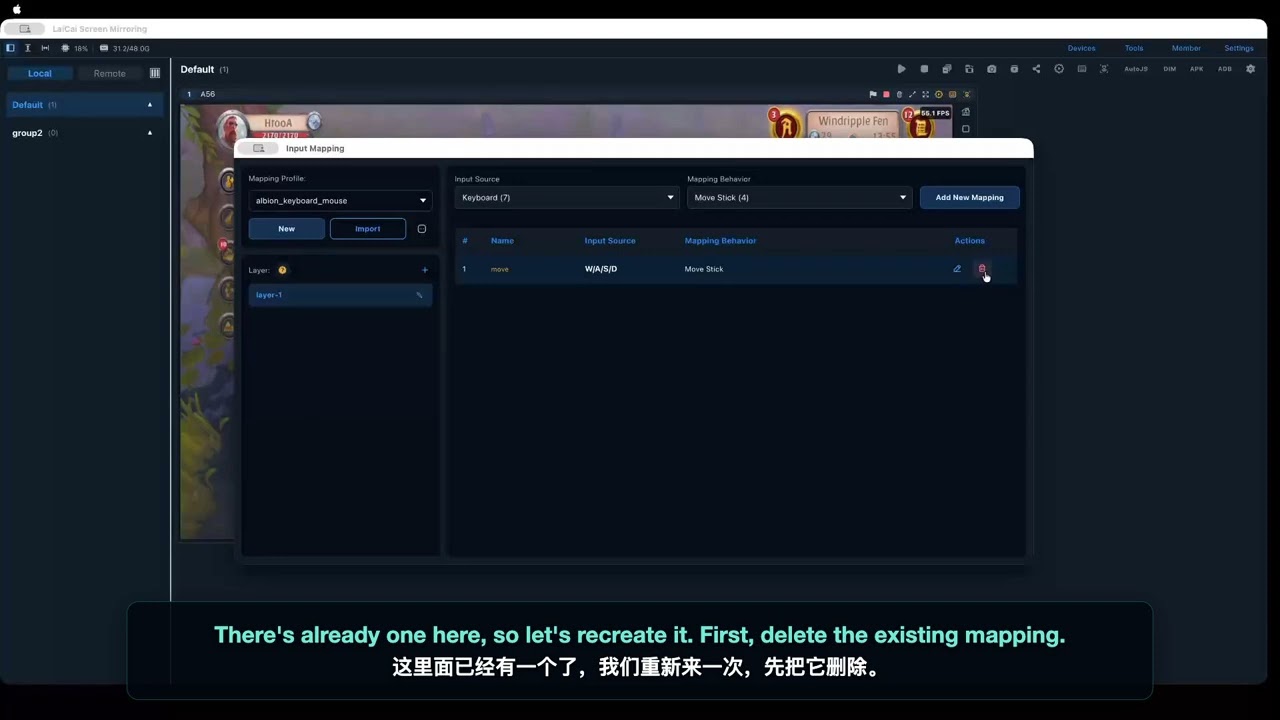
- Open Input Mapping and choose Keyboard
- Select Move Stick under Stick and Camera
- Assign W, S, A, and D
- Enable only the new mapping in Mapping Layer
- Position and resize it over the game’s virtual joystick
- Turn off Overlay and test movement in every direction
Watch the video:
Read the step-by-step guide: