Use the left and right analog sticks on a gamepad to control character movement and the in-game camera in LaiCai Screen Mirroring.
This tutorial covers:
- Pairing the gamepad with your Android phone and checking its inputs
- Choosing Map or Native mode based on whether the game supports controllers
- Assigning LS (Left Stick) to Move Stick for character movement
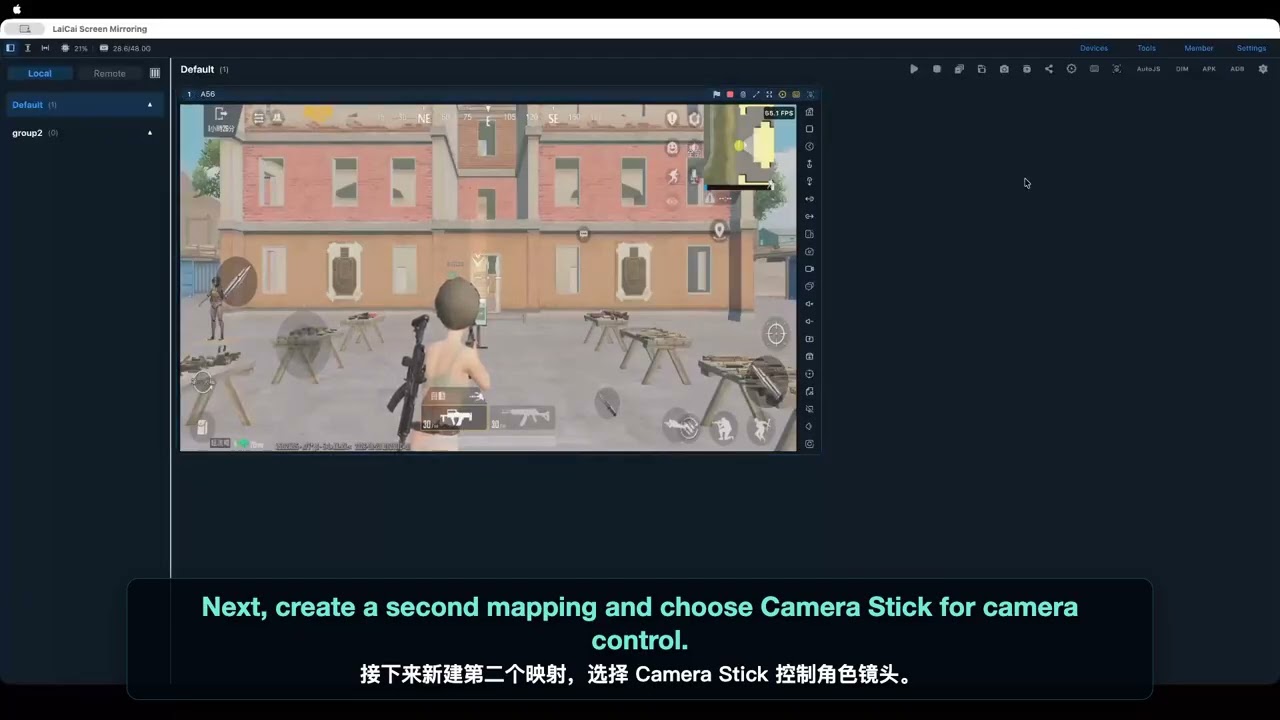
- Assigning RS (Right Stick) to Camera Stick for camera control
- Adjusting Low and High camera sensitivity
- Assigning any gamepad button as the sensitivity toggle — L1 is only the example used in the video
- Fine-tuning Axis Assist Angle and testing the finished mappings
Watch the tutorial:
Follow the step-by-step guide: