Cursor Stick lets a gamepad stick move an on-screen cursor while keeping your normal Camera Stick mapping available.
In this tutorial, you’ll learn how to:
- Add a Gamepad → Cursor Stick mapping.
- Choose LS or RS as the input source.
- Assign any convenient gamepad button as the toggle button.
- Assign a click button for left-click behavior.
- Put the mapping on an overlay layer and move its marker away from an overlapping Camera Stick marker.
- Toggle Cursor Stick off to return the stick to Camera Stick control.
Watch the tutorial:
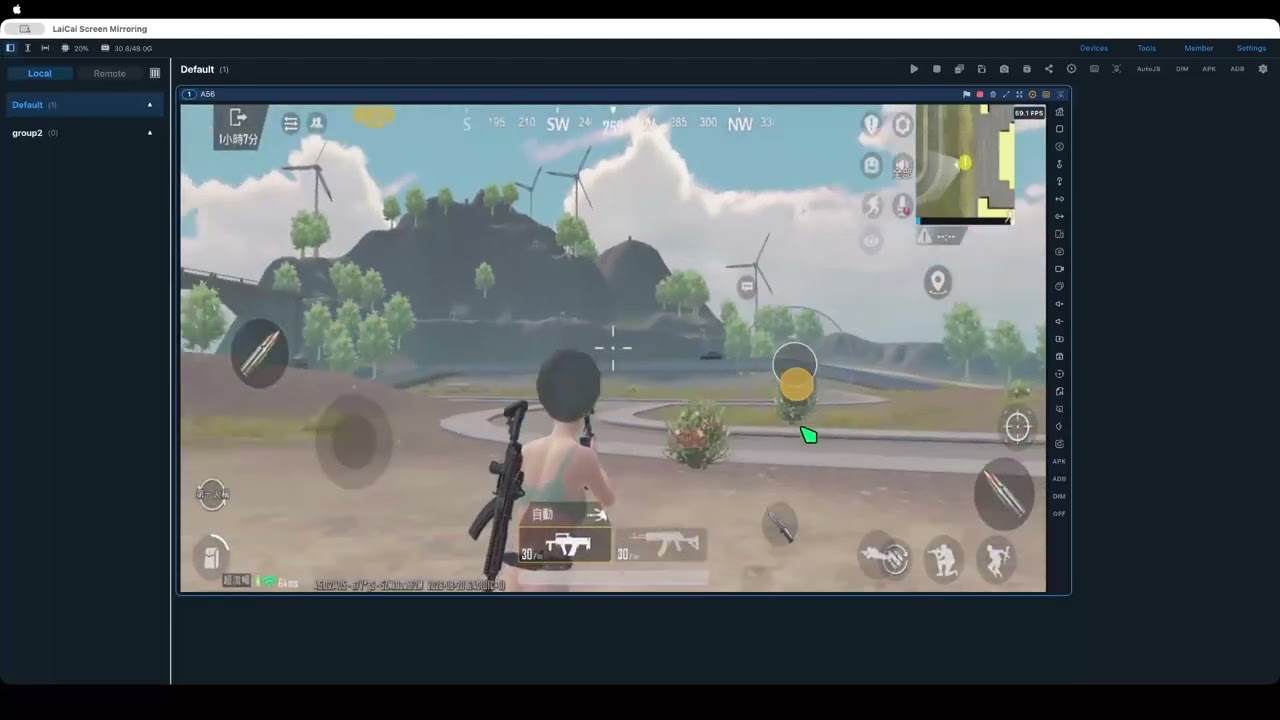
Read the step-by-step guide: Cursor Stick Gamepad Mapping
The tutorial uses RS, RB/R1, and South/A/B as examples. You can choose other gamepad inputs that fit your setup.